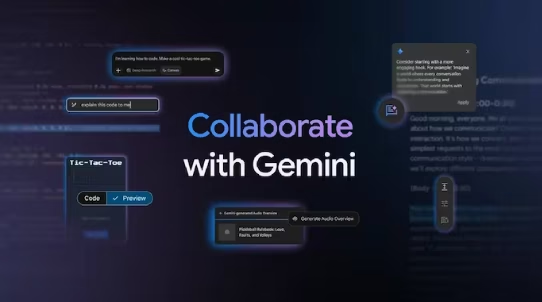
Canvas and Audio Overviews are two new tools that Google just added to its Gemini AI. Audio Overviews is intended to be a podcast-style conversation between two AI hosts, whilst the Canvas is devoted to coding.
In Short
- Google launched two new Gemini features, Canvas and Audio Overview
- Both tools are available for free to Gemini users worldwide as of Tuesday
- But the code preview feature within Canvas is currently exclusive to the web platform
Google adopted OpenAI’s Canvas tool for ChatGPT when it was released in October. Google unveiled Canvas and Audio Overview, two new capabilities for its AI-powered Gemini chatbot, on Tuesday. Google claims that Gemini’s Canvas provides an interactive workspace that enables users to easily develop, edit, and share writing and coding projects. The purpose of these features is to improve platform user creativity and collaboration.
Nevertheless, the introduction of such features is not new. Notably, Google has kept the same name in addition to implementing comparable essential features. This indicates that the naming has now become competitive in addition to the AI race. For example, in December, Google unveiled Deep Research, an AI-powered tool. A few months later, in February 2025, OpenAI unveiled a model that was identical to Deep Research and had the same name.
Let’s review the definition and operation of the two new Gemini features, Canvas and Audio Overview.
Users may easily write, edit, and share writing and coding projects with Canvas’ interactive workspace. It allows users to fine-tune material by modifying tone, length, and formatting and is accessible through the prompt bar in the Gemini app on both online and mobile platforms. Users can persuade Gemini to make language more succinct, formal, or casual by underlining a paragraph.
Because finished work can be exported to Google Docs with only one click, collaboration is also made easier.
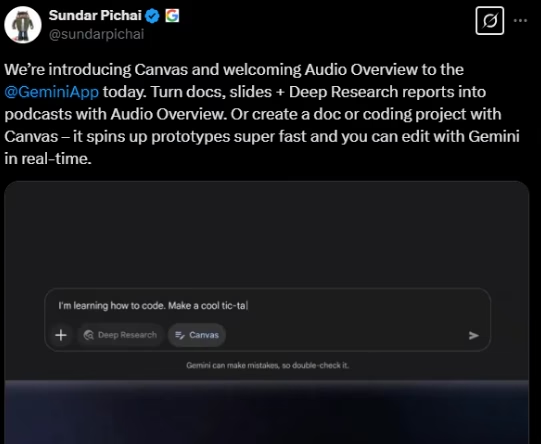
Google notes, “Within Canvas, you can produce and evaluate your HTML/React code and other web app prototypes to see a visual representation of your design. For example, assume you want to construct an email subscription form for your website. You may request that Gemini create the form’s HTML and then see a preview of how it will look and work in your online application. You may quickly check the updated preview, request modifications to input fields or add call-to-action buttons, and then share your work with others.
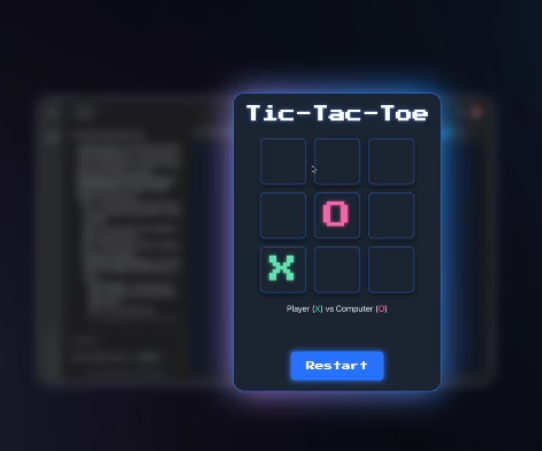
“Canvas simplifies the entire coding process, allowing you to focus on creating, editing and sharing your code and design in one place, without the hassle of switching between multiple applications,” the post continues.
For Gemini and Gemini Advanced members, Canvas is now available worldwide in all languages that the Gemini app supports.
This feature builds on NotebookLM’s Audio Overview by transforming textual content into conversations between AI hosts in the style of a podcast. The Gemini app allows users to create an audio summary of a document by uploading it through the prompt bar. The audio summary may then be shared or downloaded. This offers a practical means of consuming material while on the road. At the moment, Audio Overview is only available in English and supports a number of file types.
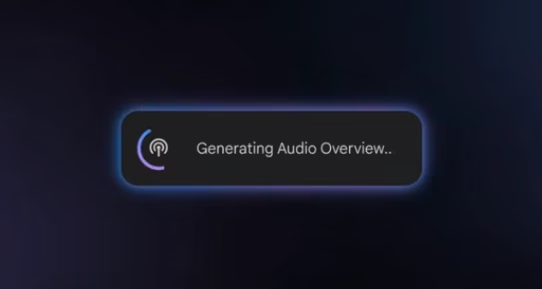
The tech behemoth claims that “Audio Overview improves learning in a fun and effective way.” Class notes, research papers, long email conversations, and reports produced by Deep Research may all be uploaded, and you can get an Audio Overview to help you organize your files while you’re on the move.
Gemini and Gemini Advanced subscribers may now access Audio Overview in English worldwide; further language support will be added soon. By just uploading papers or presentations on a variety of subjects and choosing the recommendation chip that shows up above the question bar, users can create AI-powered conversations. Audio Overview is accessible via the Gemini mobile app and the web. It may also be downloaded or shared for easy listening while on the go.